ESCAPE CLIENT · 26.2

Your world.
A different escape.

The familiar game, made personal. A considered interface,
your favourite visuals, and one place to bring it all together.

Windows x64VulkanMade for your game
Discover Escape ↓
A LITTLE MORE YOU

Familiar world. Fresh perspective.

Fine-tune the details that make your game yours.

Your interface

Compact ClickGUI, clear settings and a HUD with the information you need.

Your atmosphere

Ambience, cosmetics and item animations to match your style.

One launcher

Java, client files and updates are prepared in one place.
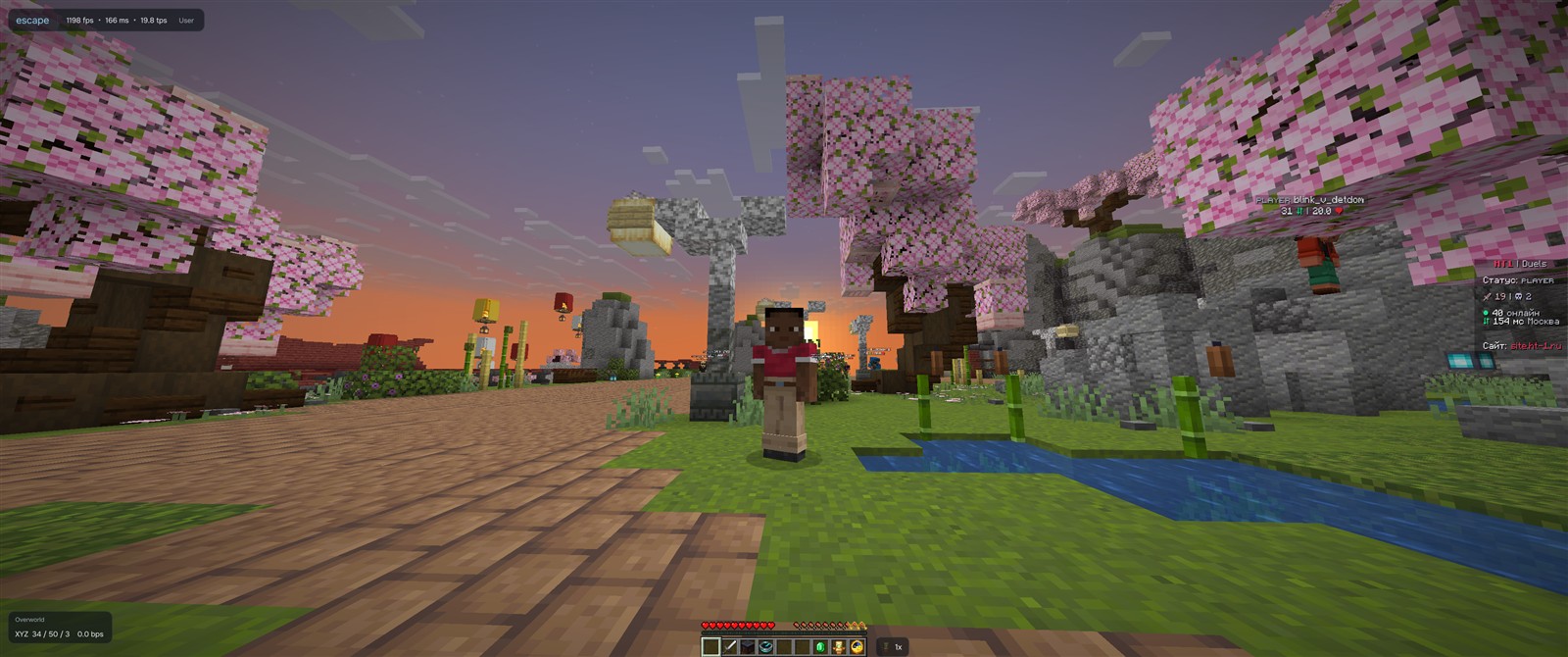
Escape in-game interface
Captured in Escape · appearance depends on your theme and settings.
FROM ACCOUNT TO GAME

A few steps. Then your world.

01

Create your account

One login for the website and launcher.

02

Choose your access

Choose 3 months or lifetime access. Pay with an available method or redeem a key.

03

Install & play

Download the launcher. It prepares and checks the client.

ESCAPE ACCESS

Your game. Your choice.

One payment. All client features. No automatic renewal.

3 monthsOne PC
1 000

Three calendar months of Escape.

  • All client features
  • Updates through the launcher
  • Device reset once every seven days
  • Help from the Escape team
Buy Escape Choose a payment method at checkout
LifetimeOne PC
2 950

Your access has no expiry date.

  • All client features
  • Updates through the launcher
  • Device reset once every seven days
  • Help from the Escape team
Buy Escape Choose a payment method at checkout
GOOD TO KNOW

Before you jump in.

Do I need to install Java?+

No. The launcher downloads the Java runtime and dependencies included in the verified release.

How many computers can I use?+

Access is linked to one PC. You can reset the link in your account once every seven days.

Which renderer does Escape use?+

Vulkan. Install the GPU manufacturer’s driver with Vulkan support. The launcher checks loader and device availability; actual compatibility also depends on the driver and client.

Where do I get help?+

Open Help for installation steps, or contact our team through Telegram or Discord.

ESCAPE / CHECKOUT

Make Escape yours.

Choose your access. One payment, no automatic renewal.

01 / ACCESS PERIOD
02 / PAYMENT METHOD
How to receive your access

Continue to our FunPay profile and choose the matching Escape offer. After payment, the seller provides a key. Activate it in your Escape account.

The final order and available payment methods are shown on FunPay. Opening the profile does not activate access.
Selected access1 000 ₽
Continue to FunPay
A question about payment? Telegram ↗